Voice Cloning
Voice Cloning is not currently supported in the app.
Voice Cloning: use a reference audio recording from the user, then let the built-in engine imitate that voice when reading the narration.
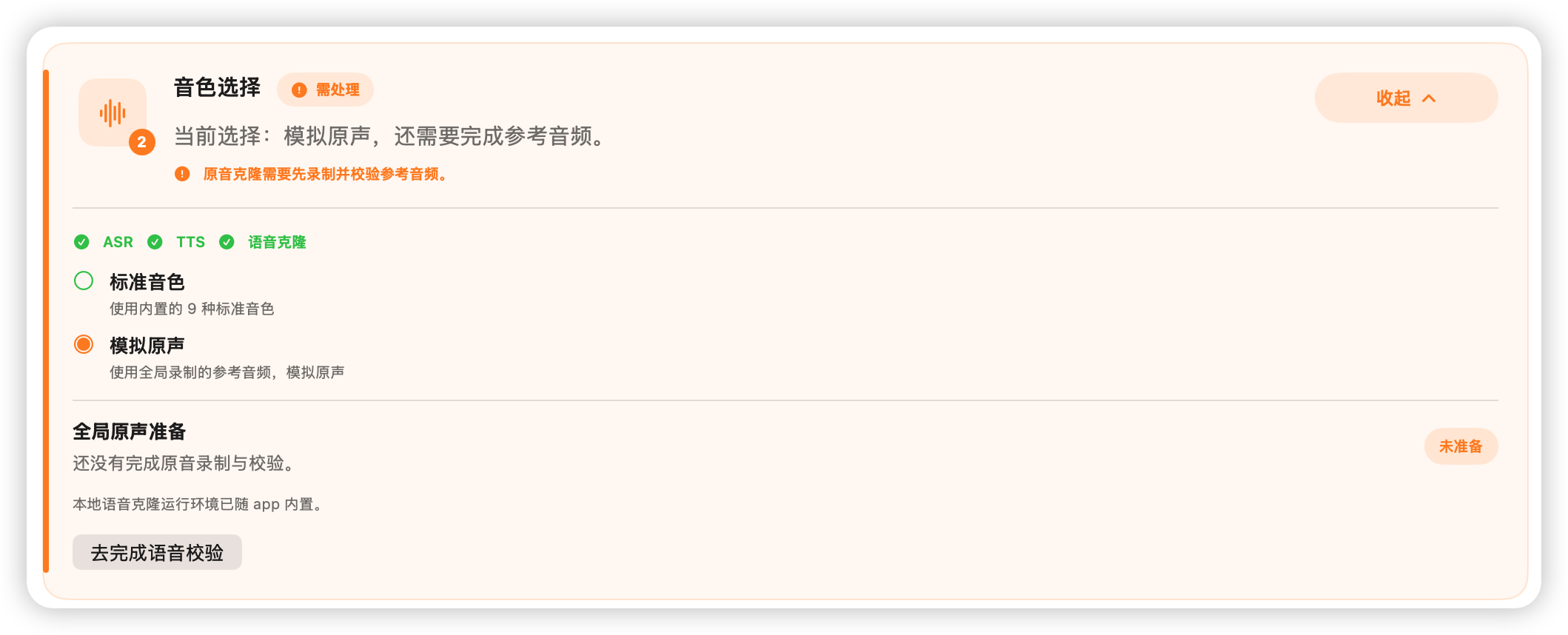
When you use this option for the first time, the background is red, which means the parameters have not been fully configured. After configuration is complete, the background will turn green.
Click “Complete voice verification”.
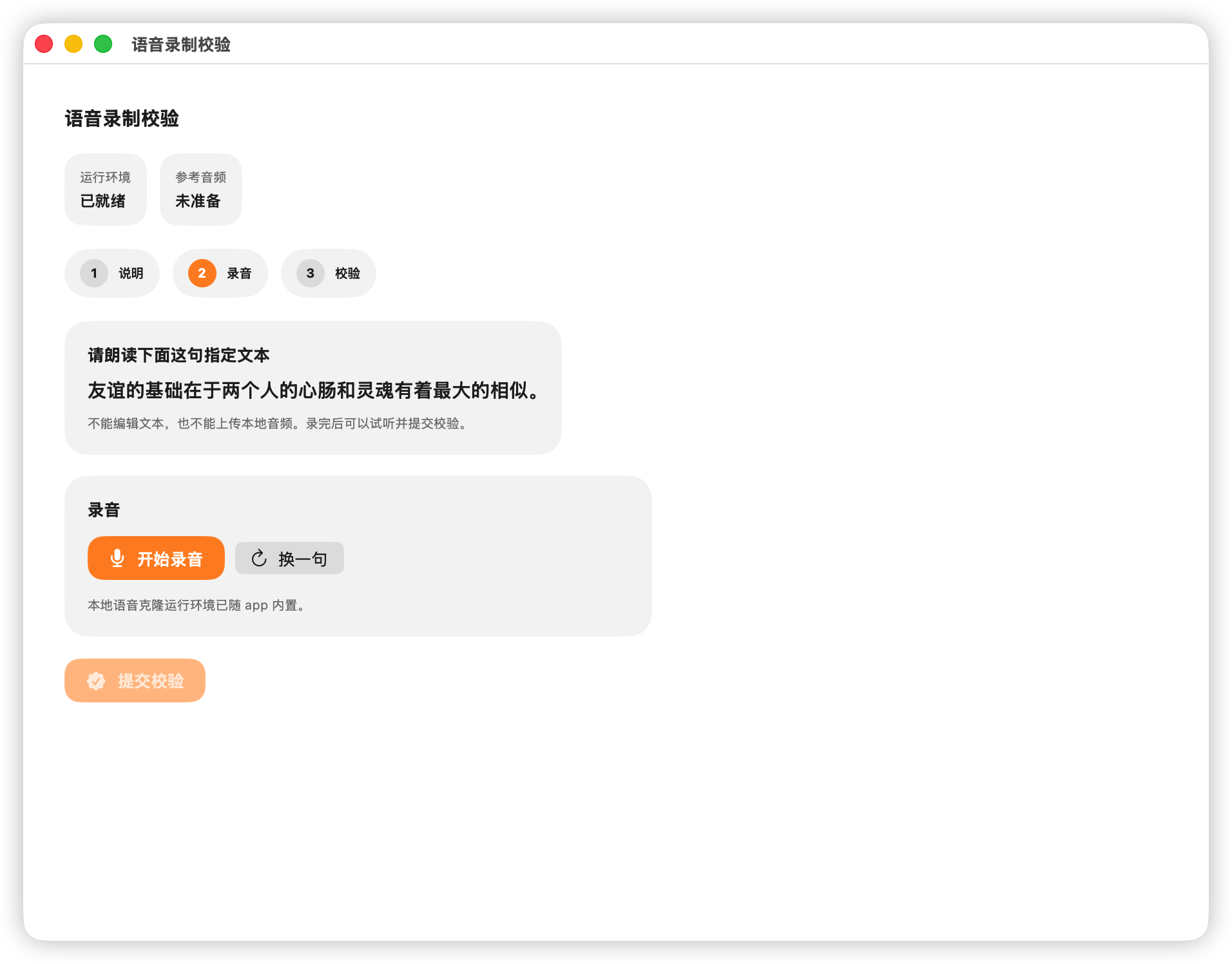
Click “Start Recording”, then read the prompt shown above: “The foundation of friendship lies in the greatest similarity between two people’s hearts and souls.”
After you finish reading, click “Stop Recording”.
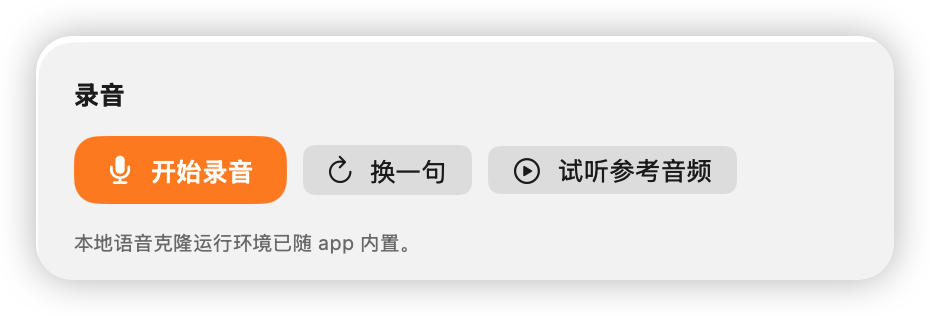
You can then listen to your own pronunciation. If you are satisfied, click “Submit Verification”. If not, you can click “Start Recording” again, or choose another sentence.
After you click “Submit Verification”, the system compares your pronunciation with the actual text. The match score must be above 80% to pass.
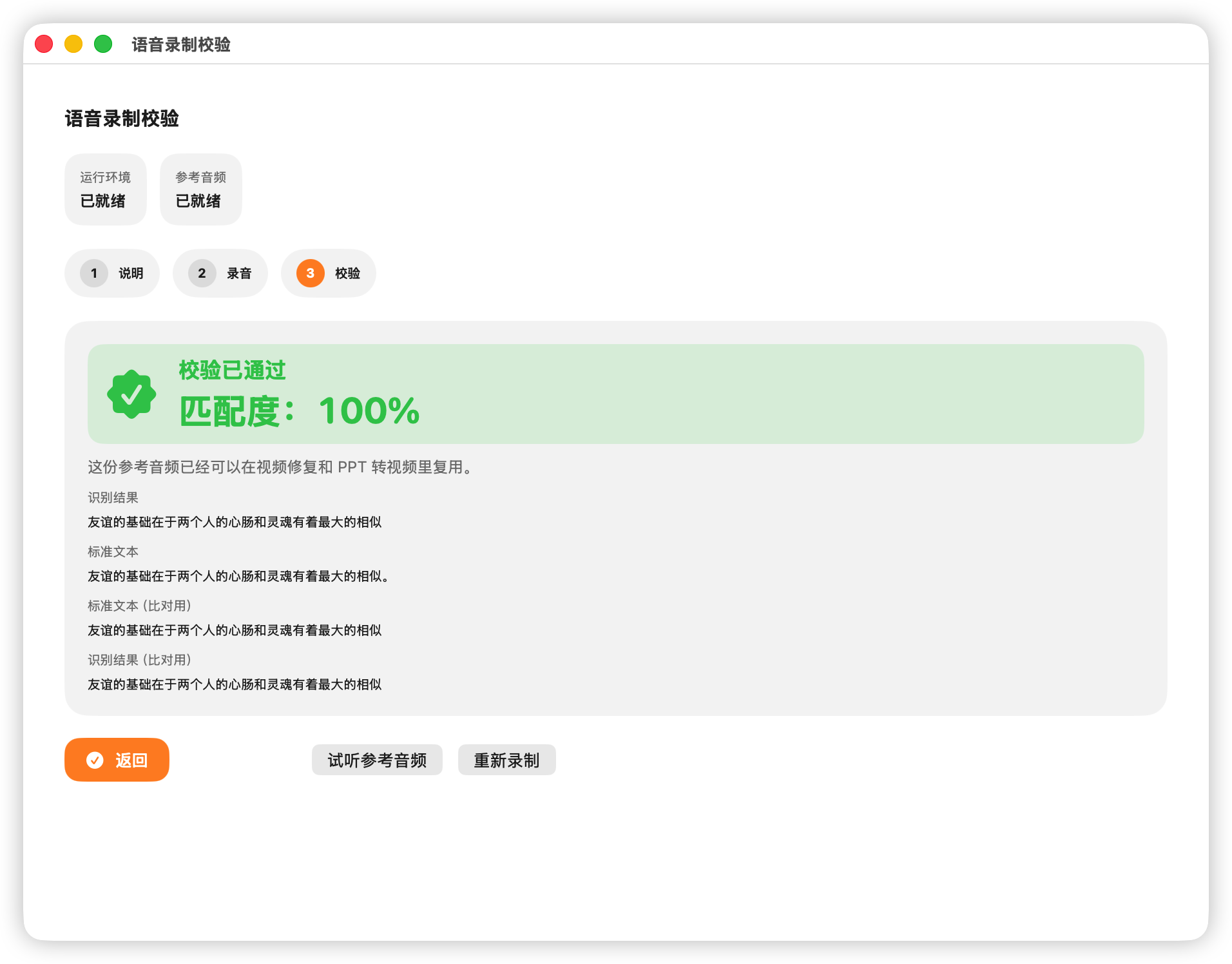
After the verification passes, click “Back”.