How to Import Models
How to Import Models
Why can’t the models be downloaded, or why are they downloading very slowly?
Answer: some models are hosted on Hugging Face. This website can usually be accessed normally outside China, but access from mainland China may be unstable or slow.
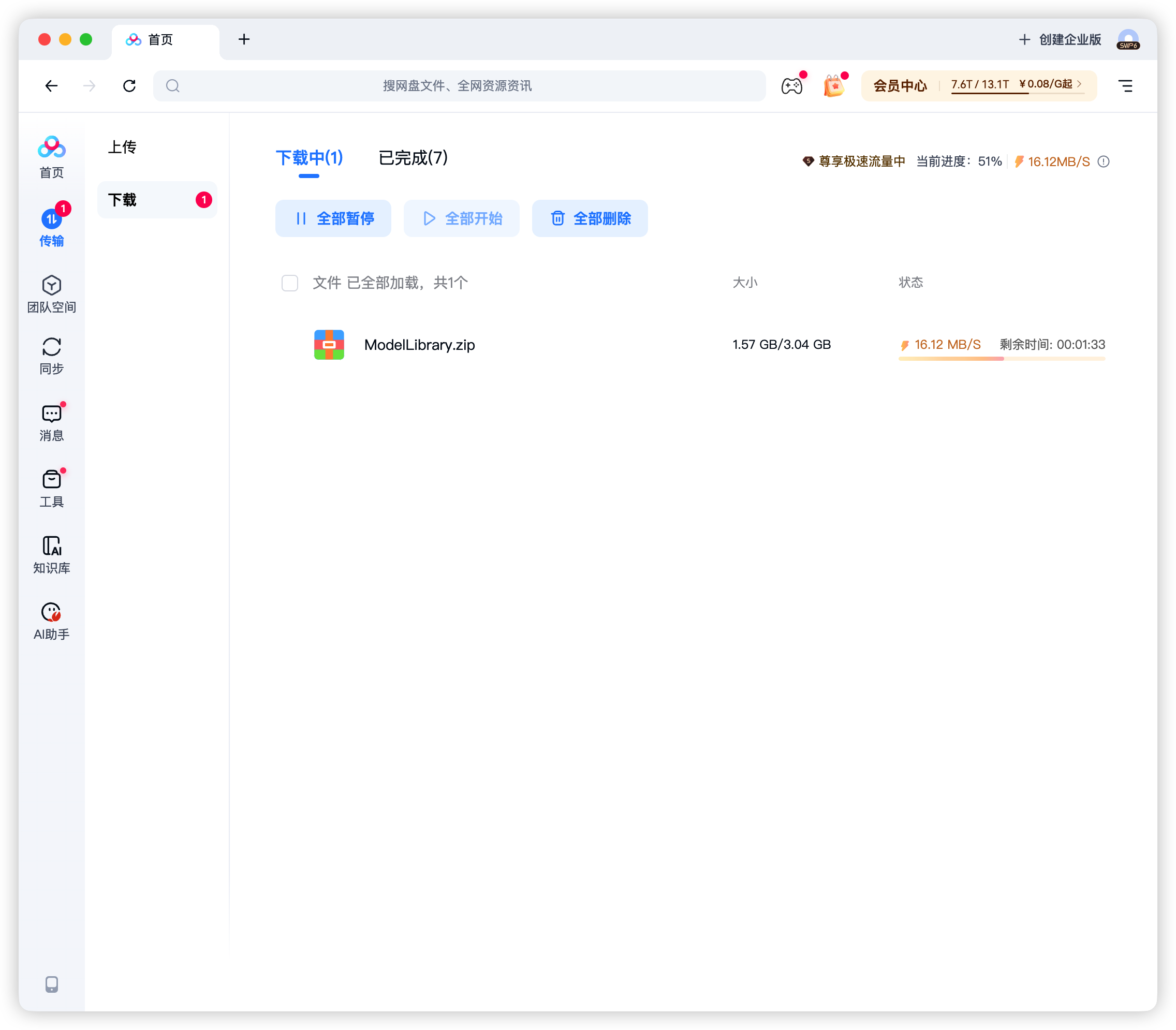
Download Method 1: Baidu Netdisk
Section titled “Download Method 1: Baidu Netdisk”Shared file: ModelLibrary.zip
Link: https://pan.baidu.com/s/14rkjNqzN5iJ1jXNPCtukLA?pwd=mdqs
Extraction code: mdqs
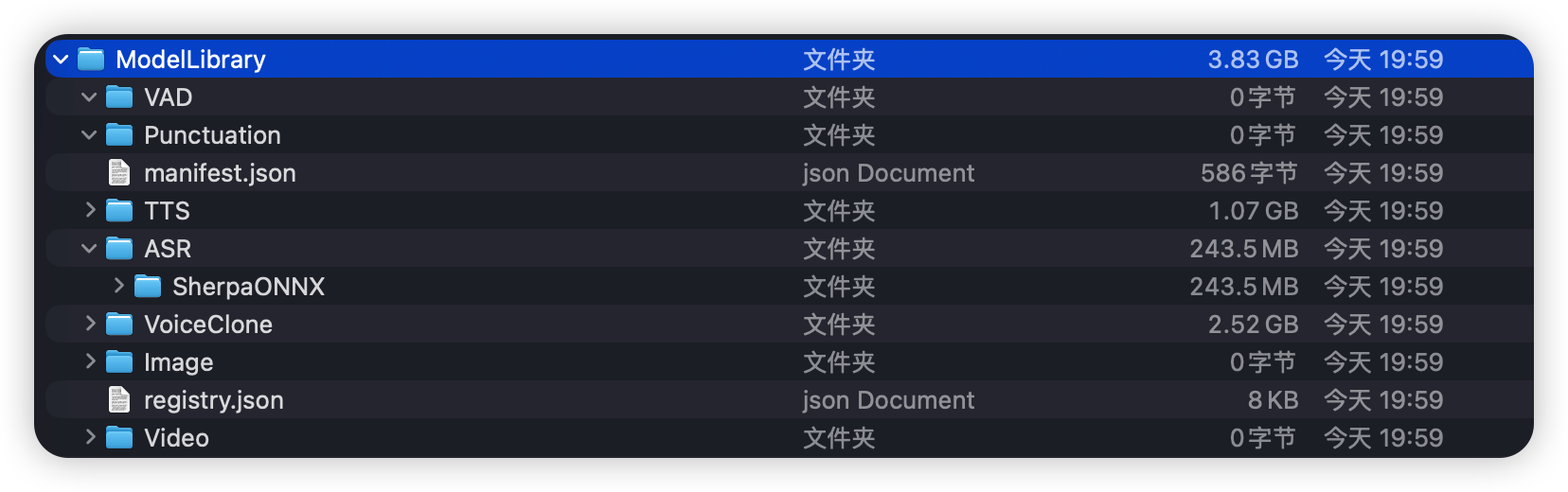
After unzipping:
Step 2: launch the app. On the Settings page, find the Model Settings section and click “Open Model Library”.
The model location will be shown:
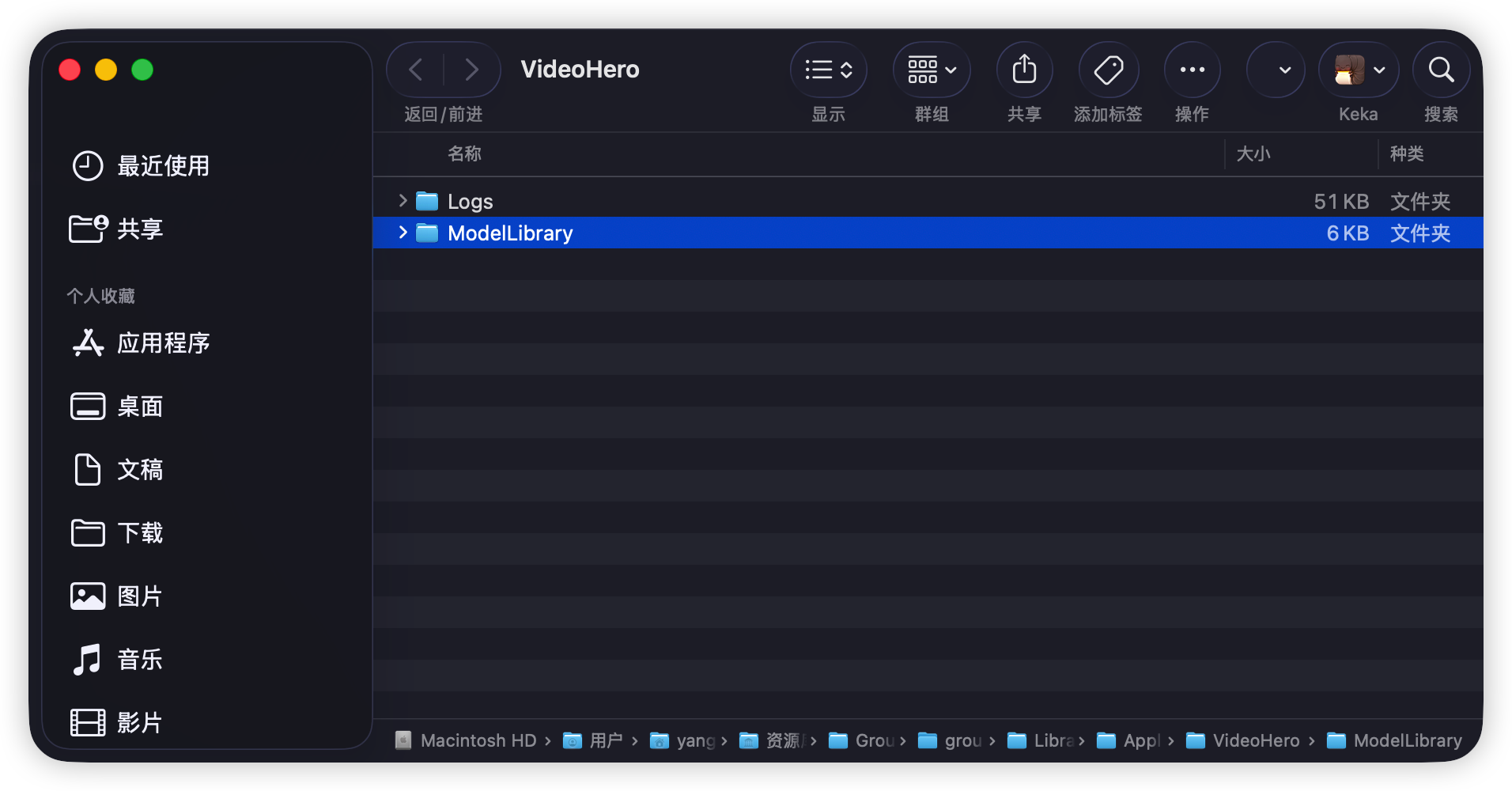
Go to the downloaded model zip file, unzip it first, then right-click the extracted ModelLibrary folder and copy it.
Paste it into the model directory. When prompted whether to overwrite, confirm the replacement.
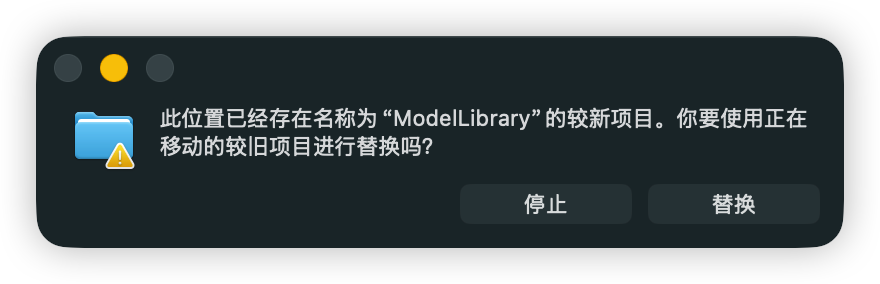
Then close the app and reopen it.
Download Method 2
Section titled “Download Method 2”Shared file: ModelLibrary.zip
Share link: https://ug.link/dh4300plus-e1ae-hBra/filemgr/share-download/?id=238a788b3d124b03a9a2494a937037b5
Download Method 3: Google Drive
Section titled “Download Method 3: Google Drive”To do.