TTS Settings
TTS Settings
Section titled “TTS Settings”TTS Engine Core Capability Comparison (Subjective Personal Assessment)
Section titled “TTS Engine Core Capability Comparison (Subjective Personal Assessment)”Rating Criteria
Section titled “Rating Criteria”- ★★★★★: Industry-leading / Fully meets requirements with no notable shortcomings
- ★★★★☆: Excellent performance, only extremely minor negligible imperfections
- ★★★☆☆: Acceptable performance, meets basic needs with clear room for improvement
- ★★☆☆☆: Below average, only covers very simple scenarios with prominent weaknesses
- ★☆☆☆☆: Not supported / Completely unable to meet requirements
Apple Built-in Local TTS
Section titled “Apple Built-in Local TTS”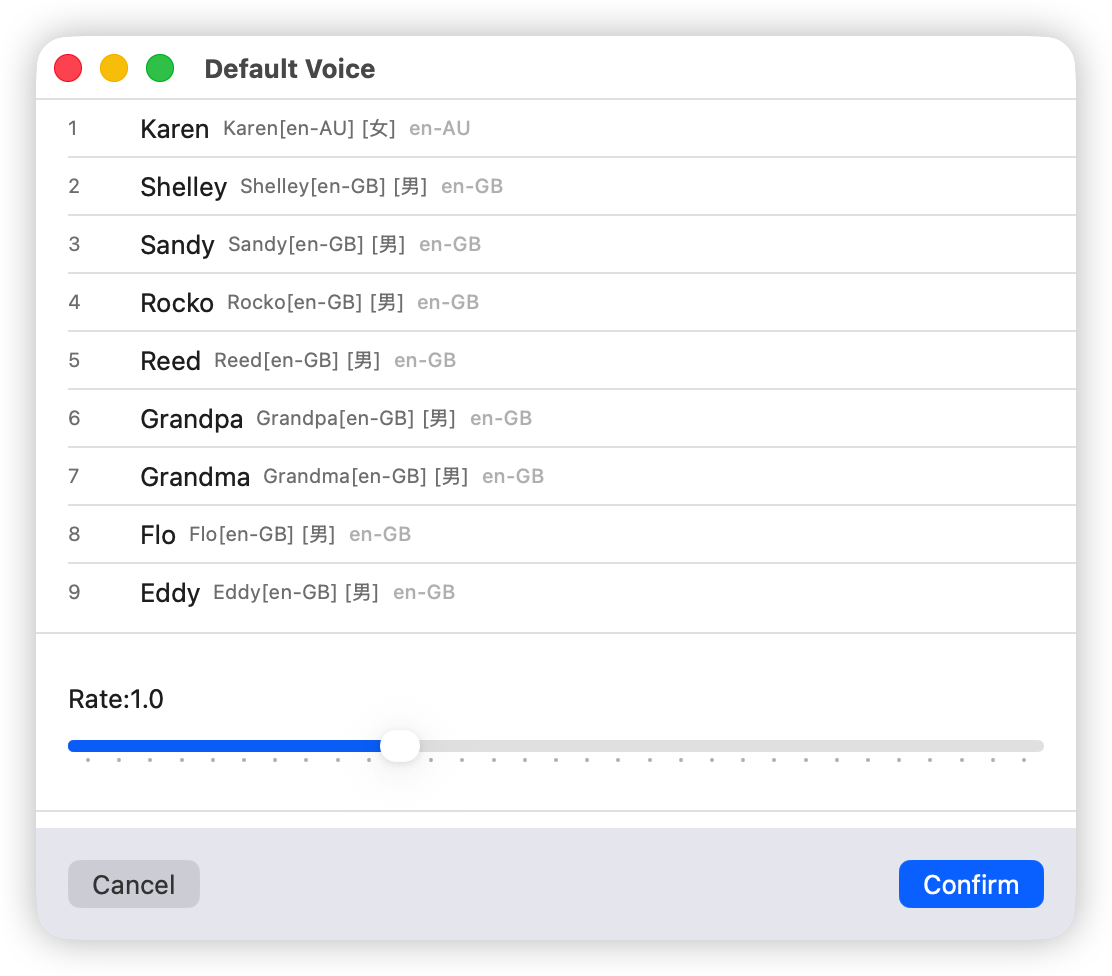
Voice review (personal opinion, for reference only; individual preferences may vary):
Tingting and Meijia are acceptable. Other voices can be ignored.
Qwen3TTS Engine (Local)
Section titled “Qwen3TTS Engine (Local)”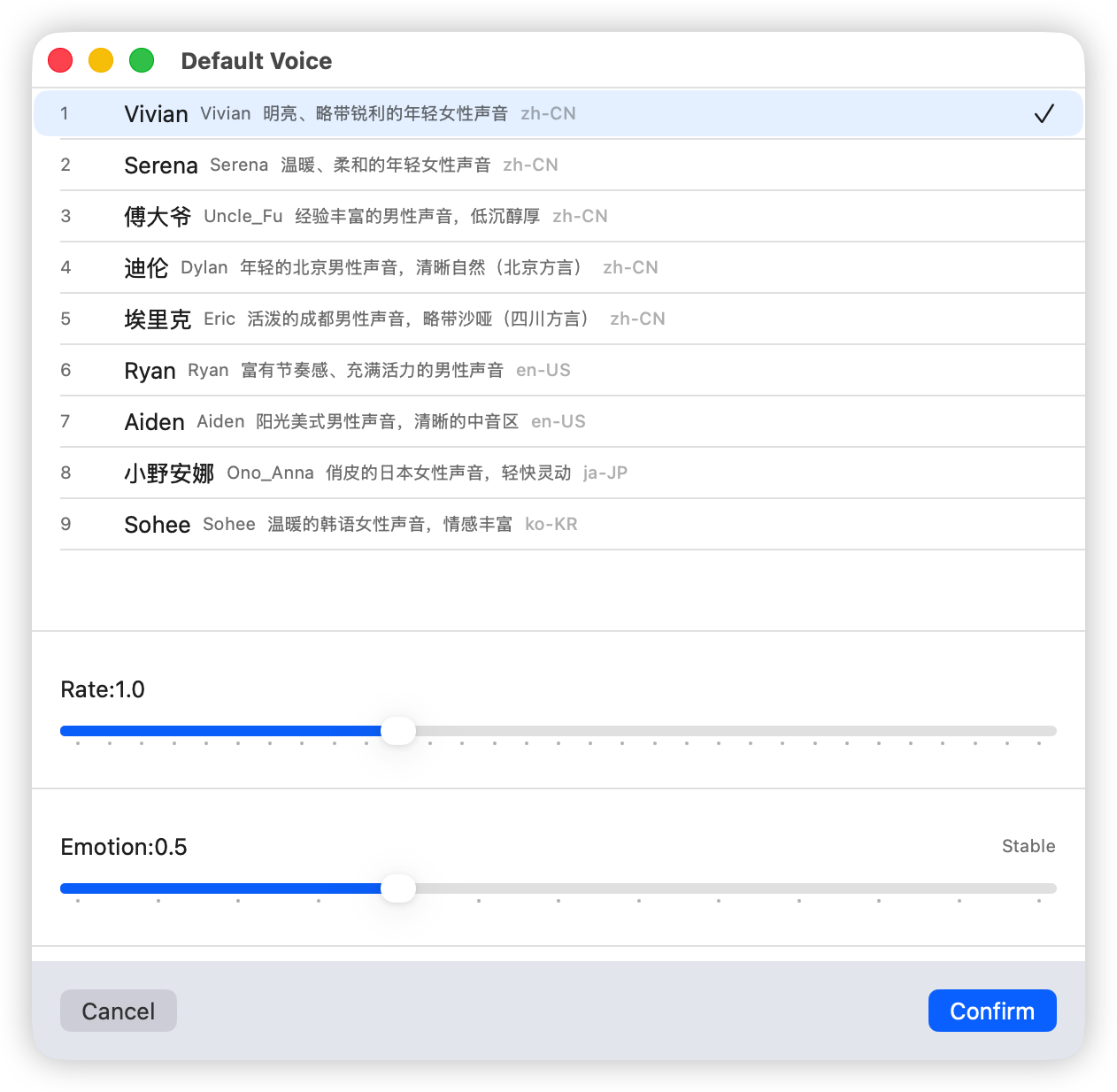
Qwen3 requires downloading and loading the model before use. The model is approximately 1.1 GB and needs to be downloaded from Hugging Face.
The voice quality and expressiveness are decent, but the speaking speed can be somewhat unstable, and overall transcription quality is not very consistent.
I’m not sure if this is a model issue or a problem with the open-source framework being used. For personal podcasting with higher tolerance for quality variance, it’s acceptable. If you need more consistent quality, consider choosing a commercial cloud engine instead.
MOSSTTS Engine (Local)
Section titled “MOSSTTS Engine (Local)”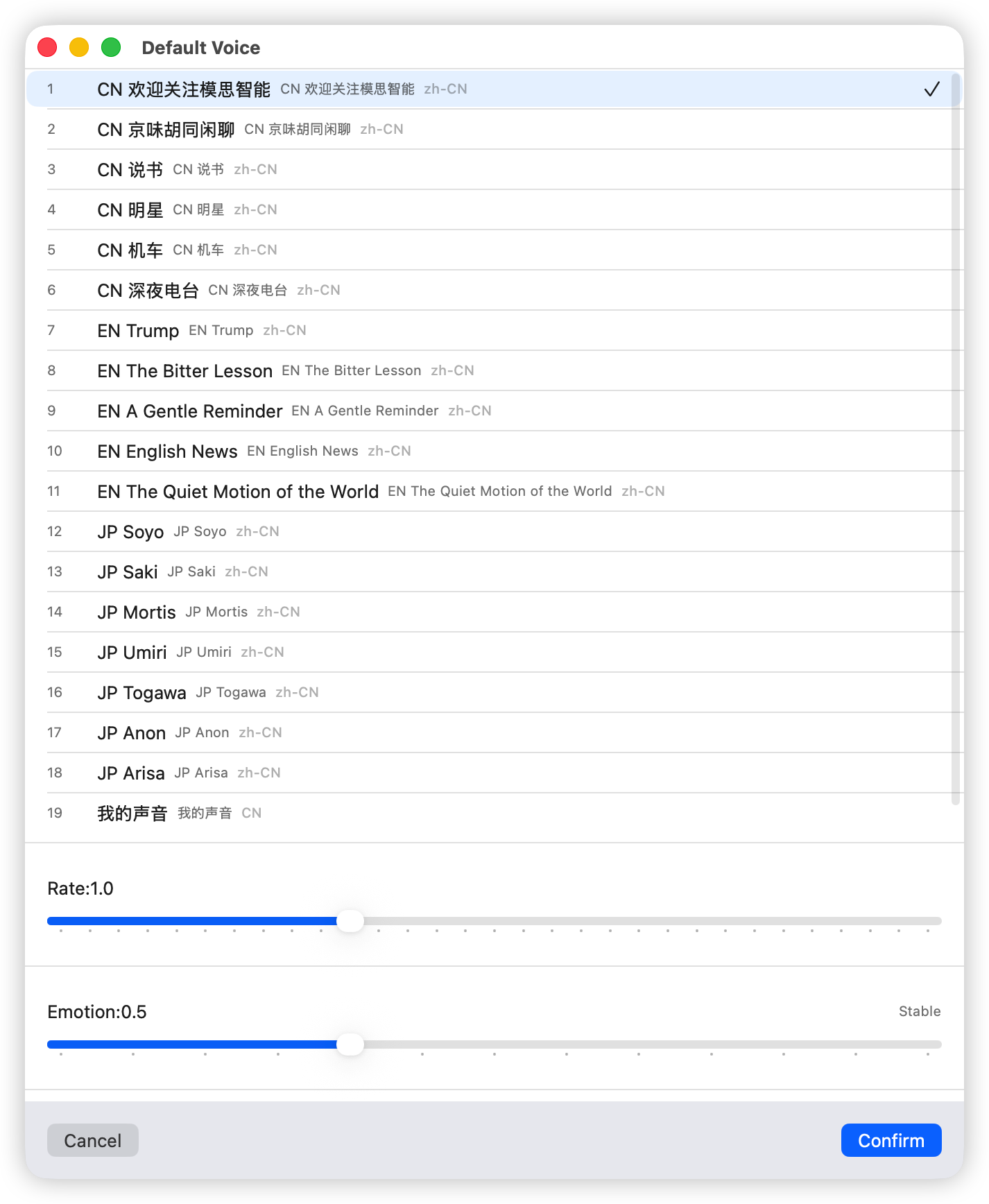
The model is approximately 760 MB and must be downloaded and loaded before use.
It comes with 6 built-in Chinese voices, all of decent quality. Since this open-source framework does not have an official Swift development kit, I built one myself using Codex. It runs reasonably well, but due to lack of thorough testing, there may be occasional word-skipping issues.
If you encounter word or sentence skipping problems, feel free to email me with the transcribed text, and I’ll analyze and fix it.
KoKoroTTS Engine (Local)
Section titled “KoKoroTTS Engine (Local)”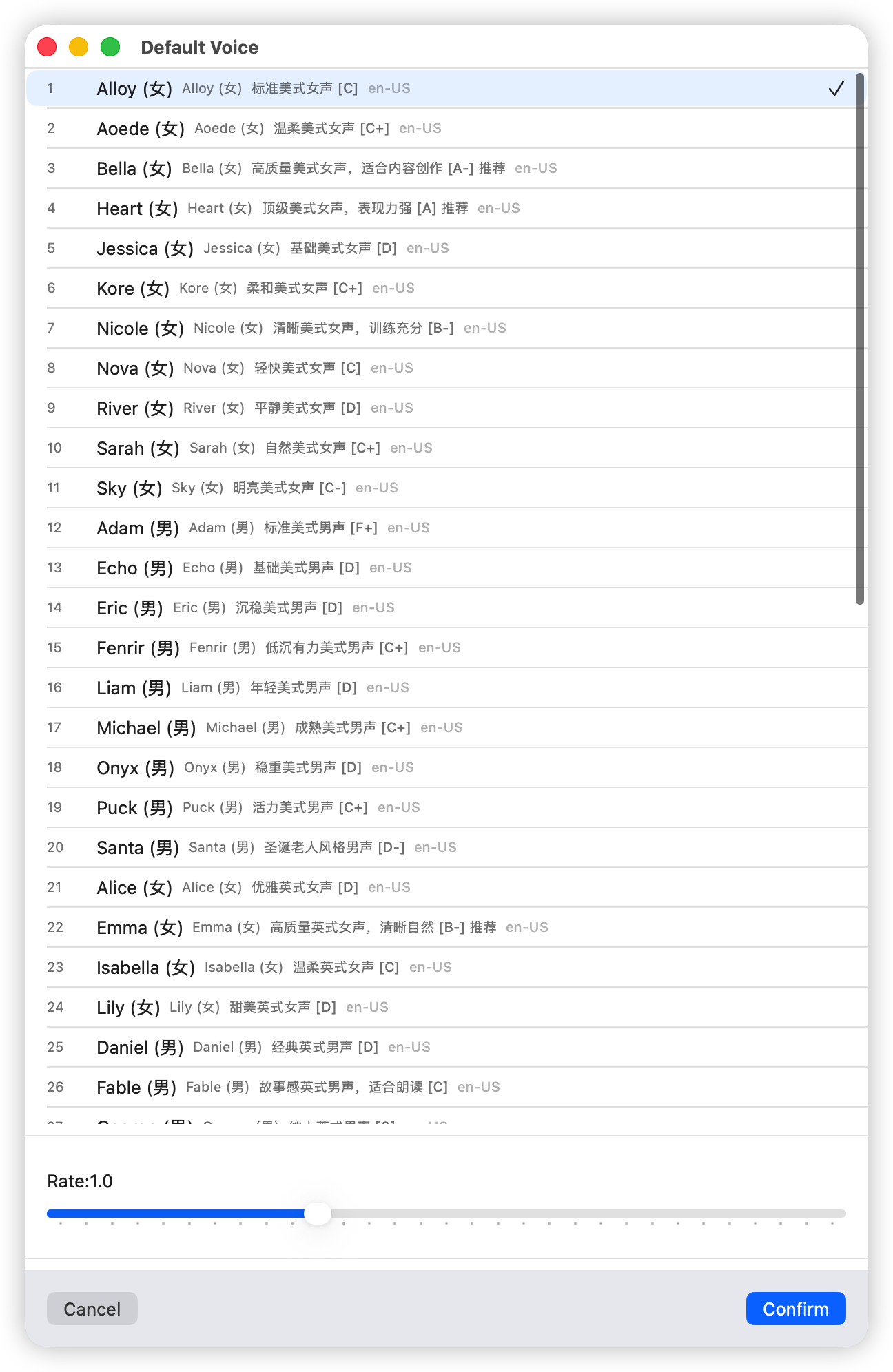
This engine also requires downloading and loading the model, approximately 350 MB.
The standout voices for this engine are primarily English. The ABCD labels next to voice names indicate quality levels, with A being the best.
Users who only care about Chinese voices can skip this engine.
Azure TTS Engine (Cloud)
Section titled “Azure TTS Engine (Cloud)”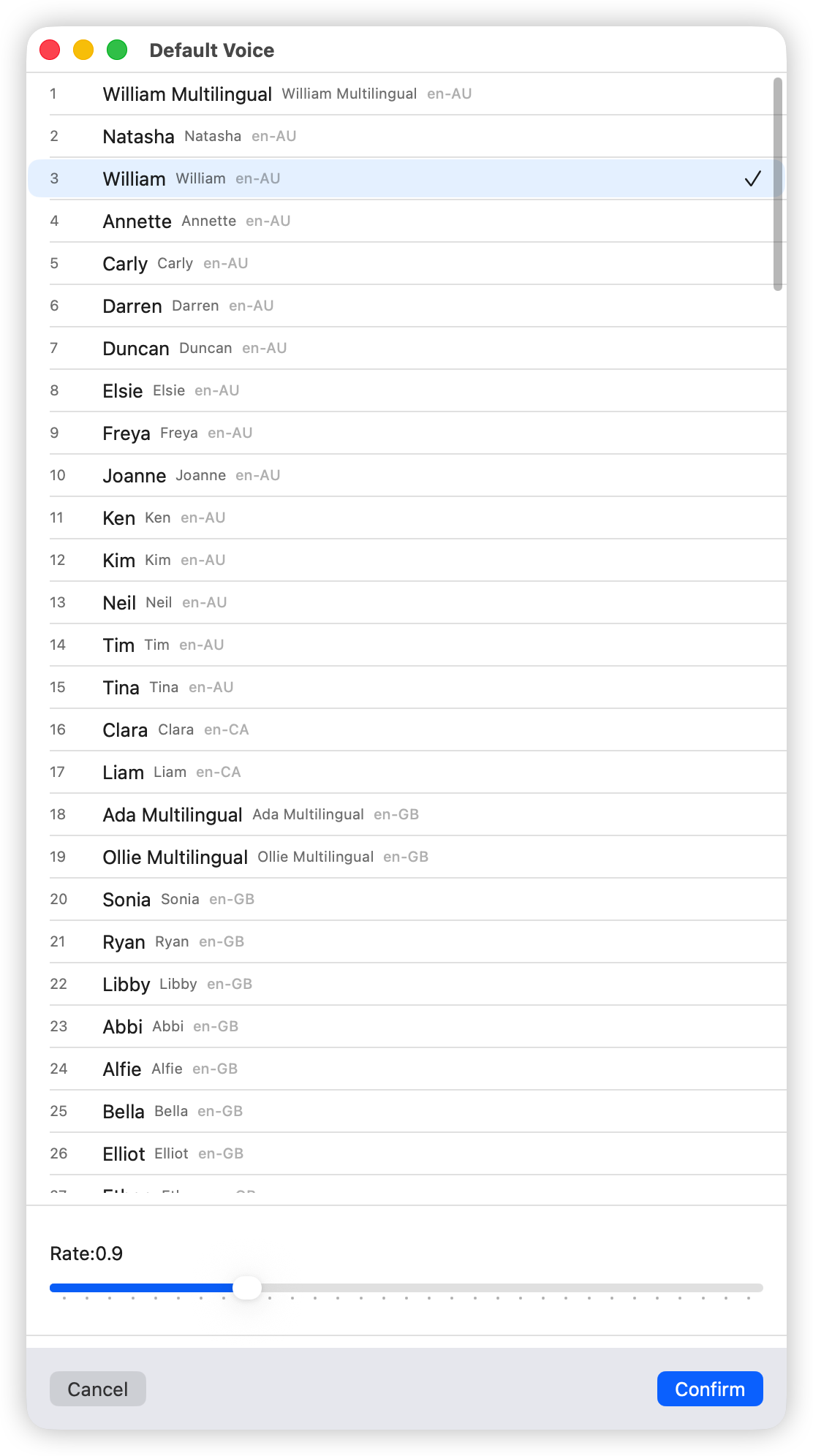
The image on the right shows the Azure TTS engine configuration. You need to enter your key and region; both will be stored in encrypted form in Apple’s local keychain.
If you are an Azure user, you can select the Azure TTS engine. As a commercial engine, its voice quality, consistency, and stability are all excellent. The voices I frequently use are Yunyang and Xiaoyan.
Note: The Keychain on macOS is the system’s built-in encrypted credential management system—essentially a password-protected encrypted container that ensures only the machine’s owner can access it. Keychain securely stores passwords, certificates, keys, Wi-Fi credentials, credit card numbers, security notes, and other sensitive data, providing autofill, cross-device sync, and system-level access control. It is a core component of macOS security and convenience.
Local Open-Source TTS Engine
Section titled “Local Open-Source TTS Engine”This is an option left for technically inclined users. The idea is to run a TTS web service on your own machine and have TTSMate call it. If interested, please check: