App 预览
App Preview
Key Features
每日格言
每天为你提供精选格言,激励你不断进步
Daily Wisdom
Provide you with selected quotes every day to inspire your continuous progress
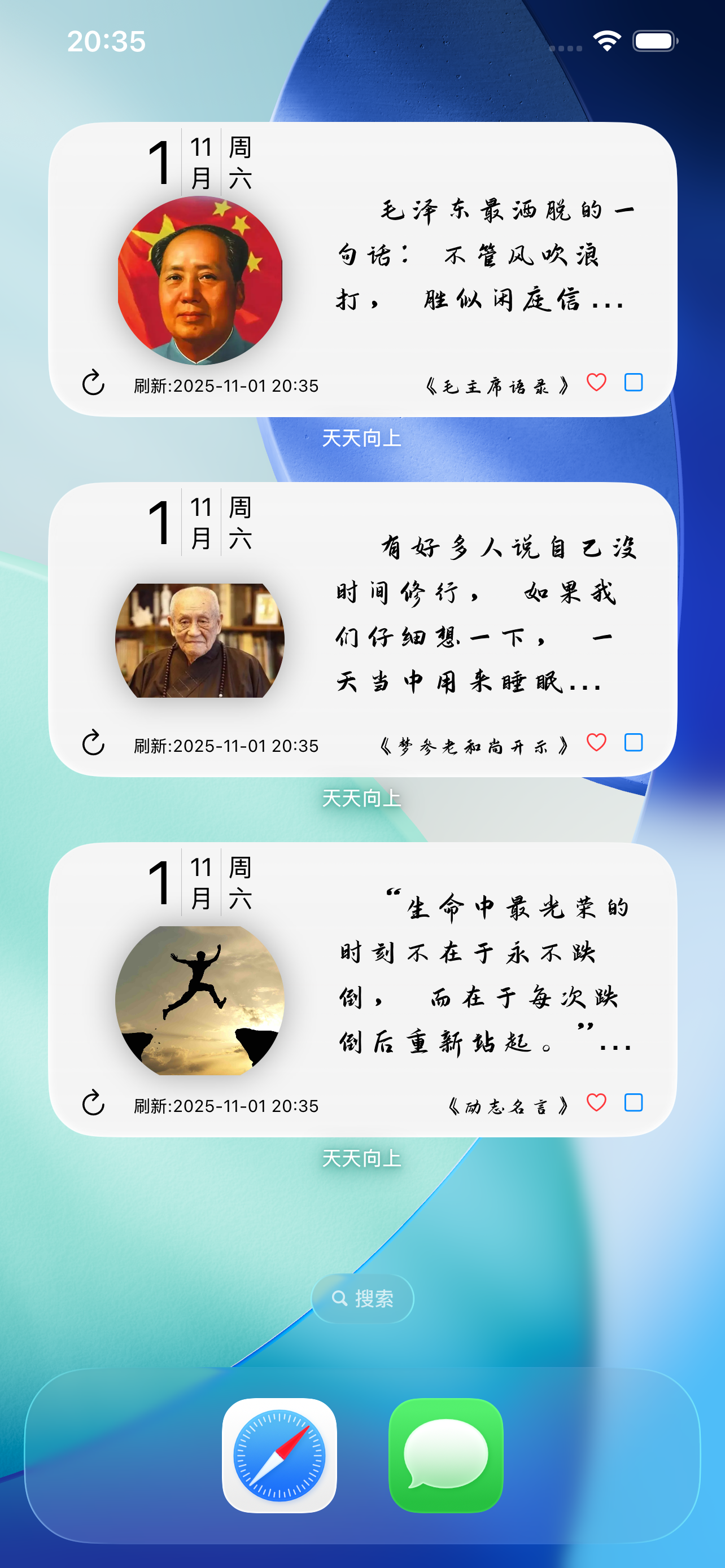
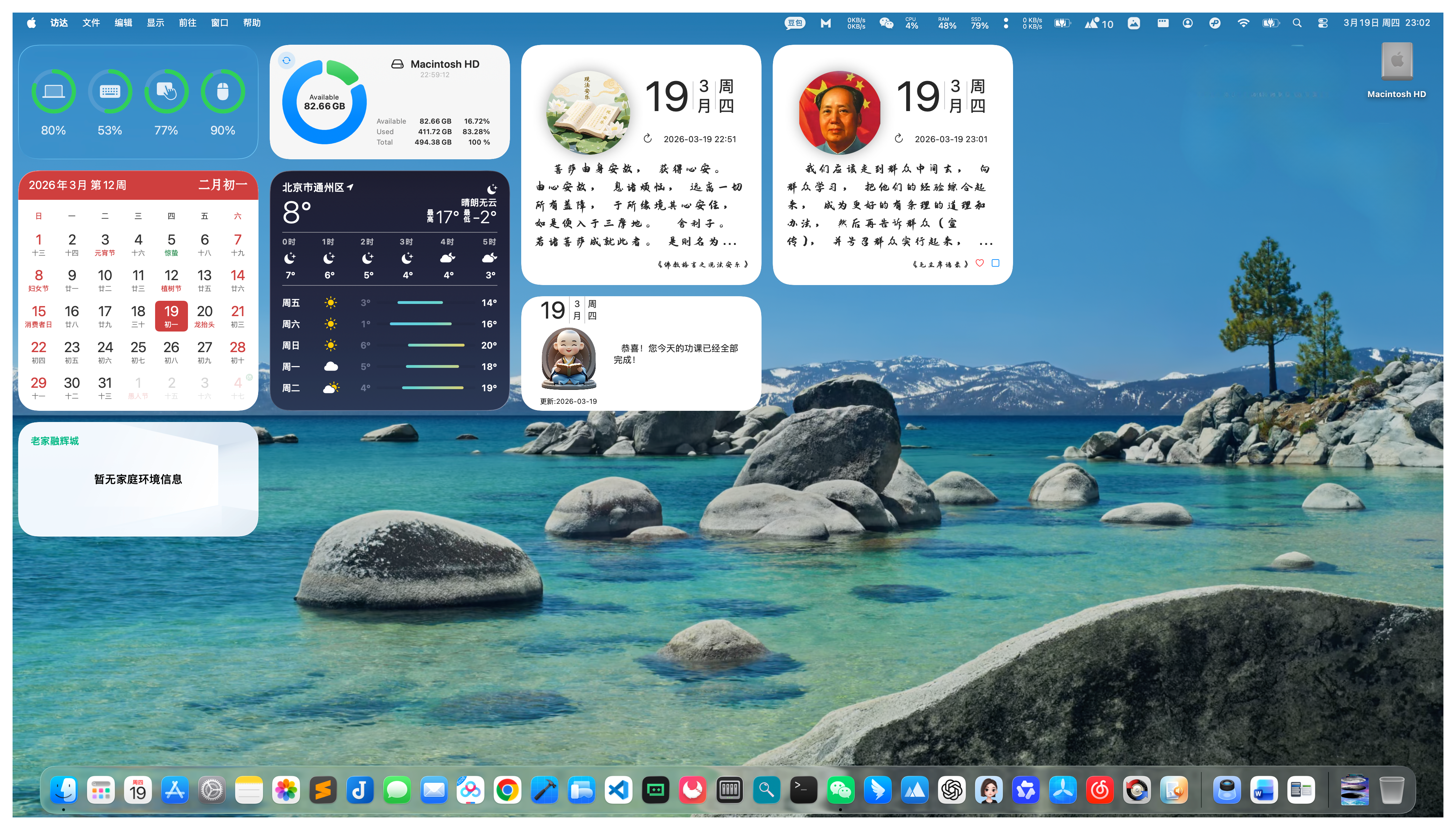
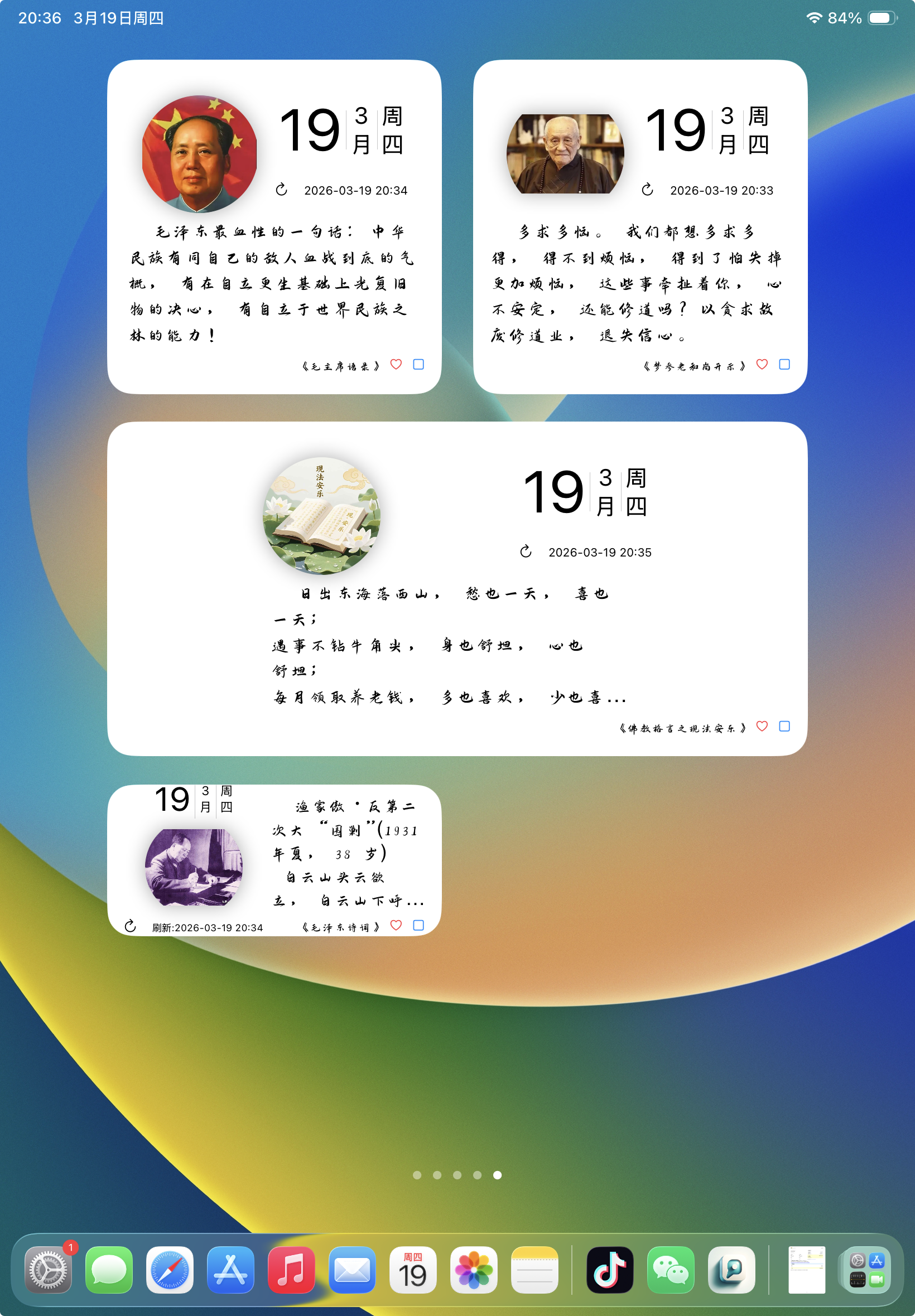
小组件显示
支持以小组件形式在桌面显示名言名句
Widget Display
Support displaying quotes on the desktop as widgets
名言评论
可以对名言名句添加评论
Quote Comments
Add comments to quotes
名言搜索
增加名言搜索功能,方便你查找特定名言
Quote Search
Add quote search functionality to help you find specific quotes
多设备支持
支持各种iPhone和iPad设备
Multi-device Support
Supports various iPhone and iPad devices
帮助与常见问题
Help & FAQ
天天向上介绍
天天向上 - 每日格言
天天向上,又名"每日名言",支持以小组件形式在桌面显示名言名句。 每日学而知之,不亦说乎。
版本:1.0.5
开发者:学辉 杨
适合人群
希望每天获取激励和智慧的人士,喜欢收集名言名句的用户
主要功能
- 每日格言:每天为你提供精选格言,激励你不断进步
- 小组件显示:支持以小组件形式在桌面显示名言名句
- 名言评论:可以对名言名句添加评论
- 名言搜索:增加名言搜索功能,方便你查找特定名言
- 多设备支持:支持各种iPhone和iPad设备
- 免费使用:完全免费,无内购
常见问题
1、如何添加小组件?
在桌面上长按空白处,点击"+"按钮,然后选择"天天向上"小组件, 选择合适的尺寸并添加到桌面即可。
2、如何添加评论?
在应用中,选择你想要评论的名言,点击评论按钮, 输入你的评论内容即可。
3、如何搜索名言?
在应用中,使用搜索功能,输入关键词即可查找相关名言。
About Day Day Up
Day Day Up - Daily Wisdom
Day Day Up, also known as "Daily Quotes", supports displaying quotes on the desktop as widgets. Learn and know every day, isn't it joyful?
Version: 1.0.5
Developer: 学辉 杨
Who Is It For
People who want to get daily inspiration and wisdom, users who like to collect quotes
Main Features
- Daily Wisdom: Provide you with selected quotes every day to inspire your continuous progress
- Widget Display: Support displaying quotes on the desktop as widgets
- Quote Comments: Add comments to quotes
- Quote Search: Add quote search functionality to help you find specific quotes
- Multi-device Support: Supports various iPhone and iPad devices
- Free to Use: Completely free, no in-app purchases
FAQ
1. How to add widgets?
Long press on an empty space on the desktop, click the "+" button, then select "Day Day Up" widget, choose the appropriate size and add it to the desktop.
2. How to add comments?
In the app, select the quote you want to comment on, click the comment button, enter your comment content.
3. How to search quotes?
In the app, use the search function and enter keywords to find relevant quotes.